Keyframes and easing
Hold, linear and Bezier keyframes, Easy Ease, roving keyframes and motion paths you can drag.

A full motion graphics and visual effects app that runs in your browser. Keyframes, 306 effects, expressions, 3D cameras and lights, and a render queue to MP4, ProRes, WebM and Lottie. Or download it for Mac and Windows.
Your projects never leave your computer. Nothing to install.
A render queue with output templates sends the same composition to social video, broadcast masters, the web and apps. Every encoder is built in, so there is nothing else to install.
Project, Composition, Timeline and Effect Controls panels, with the shortcuts motion designers already use.
Hold, linear and Bezier keyframes, Easy Ease, roving keyframes and motion paths you can drag.
Shape speed and value curves directly, so every move accelerates and settles the way you want.
Link properties with wiggle, loopOut, time and JavaScript-style expressions, with error diagnostics.
Blur, glow, colour correction, distortion, generators, keying and noise, all stackable per layer.
Feathered masks, alpha and luma mattes, blend modes and layer styles such as drop shadow and bevel.
AI-assisted rotoscoping cuts subjects out of footage, and face tracking follows a face through a shot.
Turn layers 3D, then fly cameras through the scene with depth of field, lights and shadows.
Paths, rectangles and stars with trim paths, repeaters, offsets and gradient fills.
Animate characters, words or lines with range selectors for typewriter, cascade and kinetic type.
Queue several compositions, choose output templates, and render while you keep working.
Video, audio, images, layered PSD and SVG files, Lottie animations and image sequences.
Every command runs from a command line, a control channel or an MCP server, for scripted renders and AI agents.
Real SynMotion screens with its demo project. Switch between them to see each part of the app.
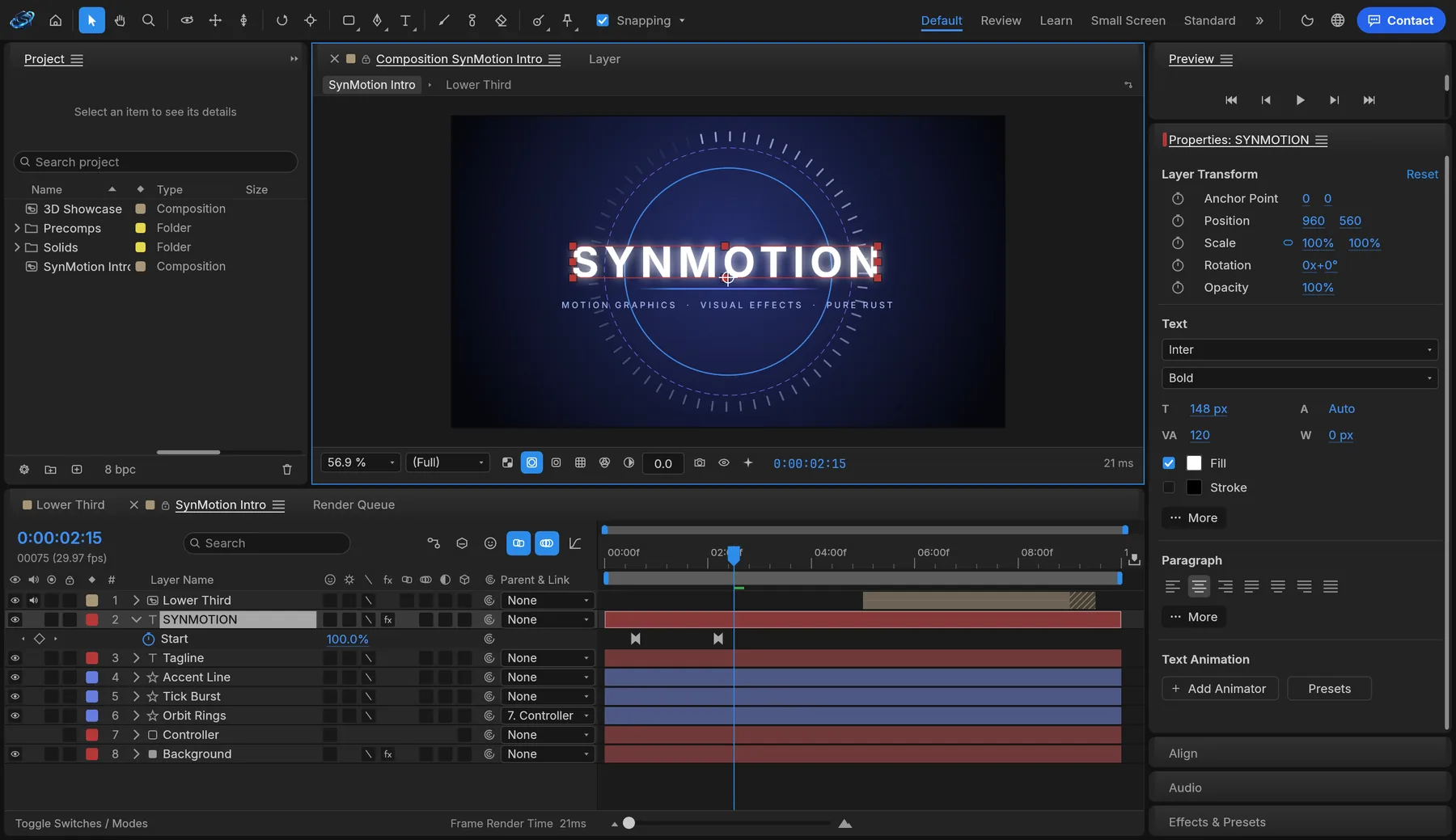
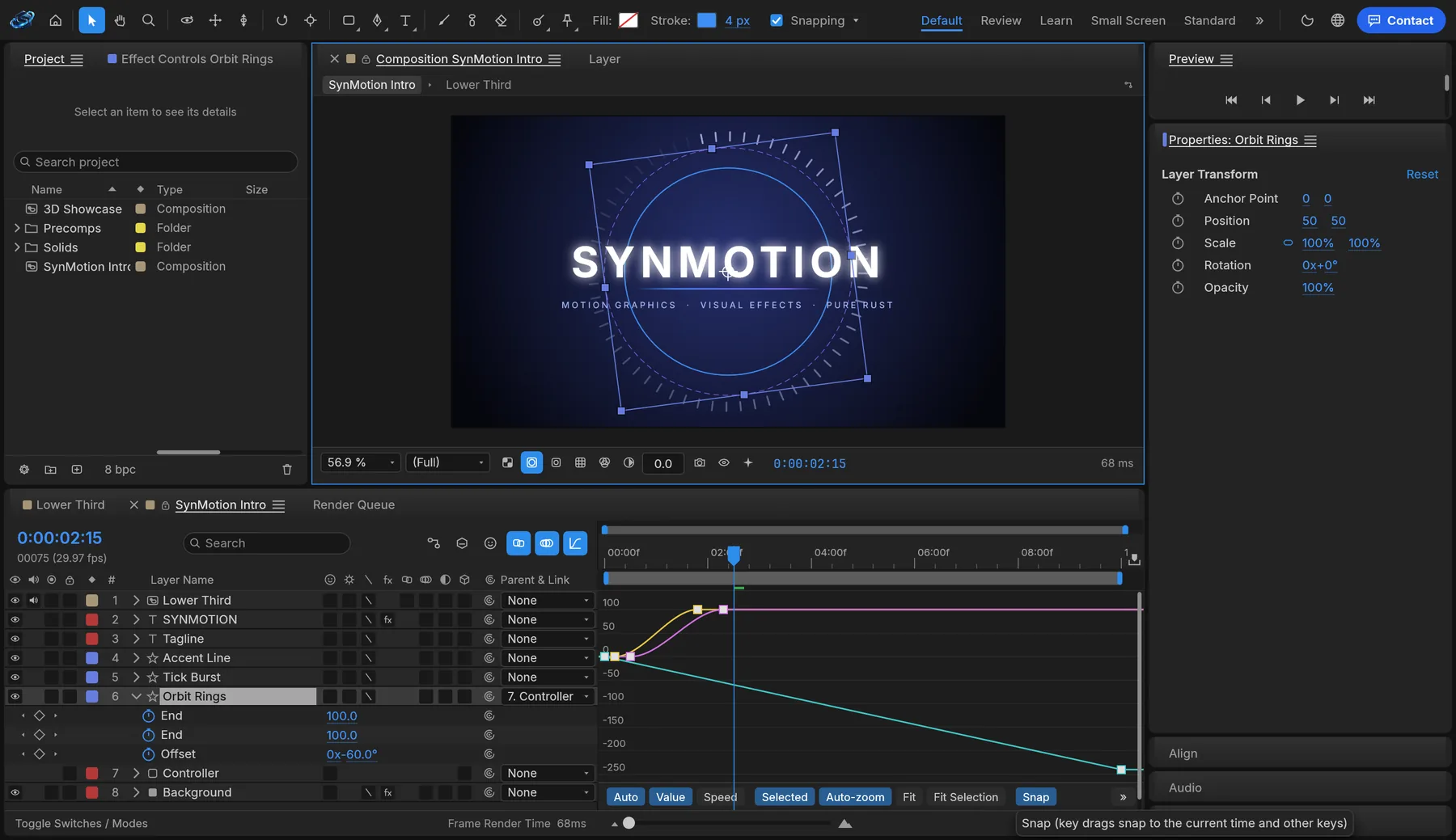
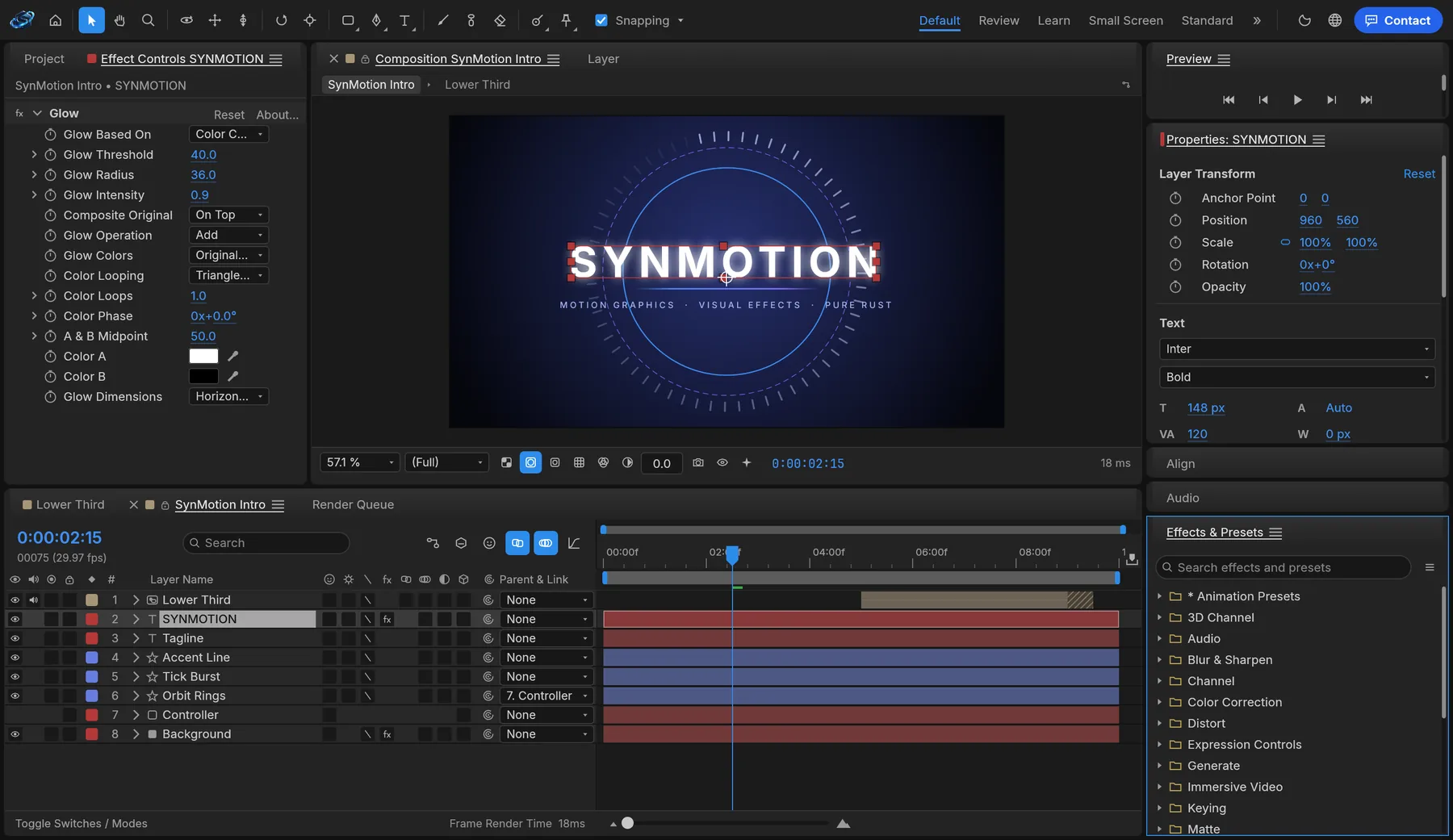
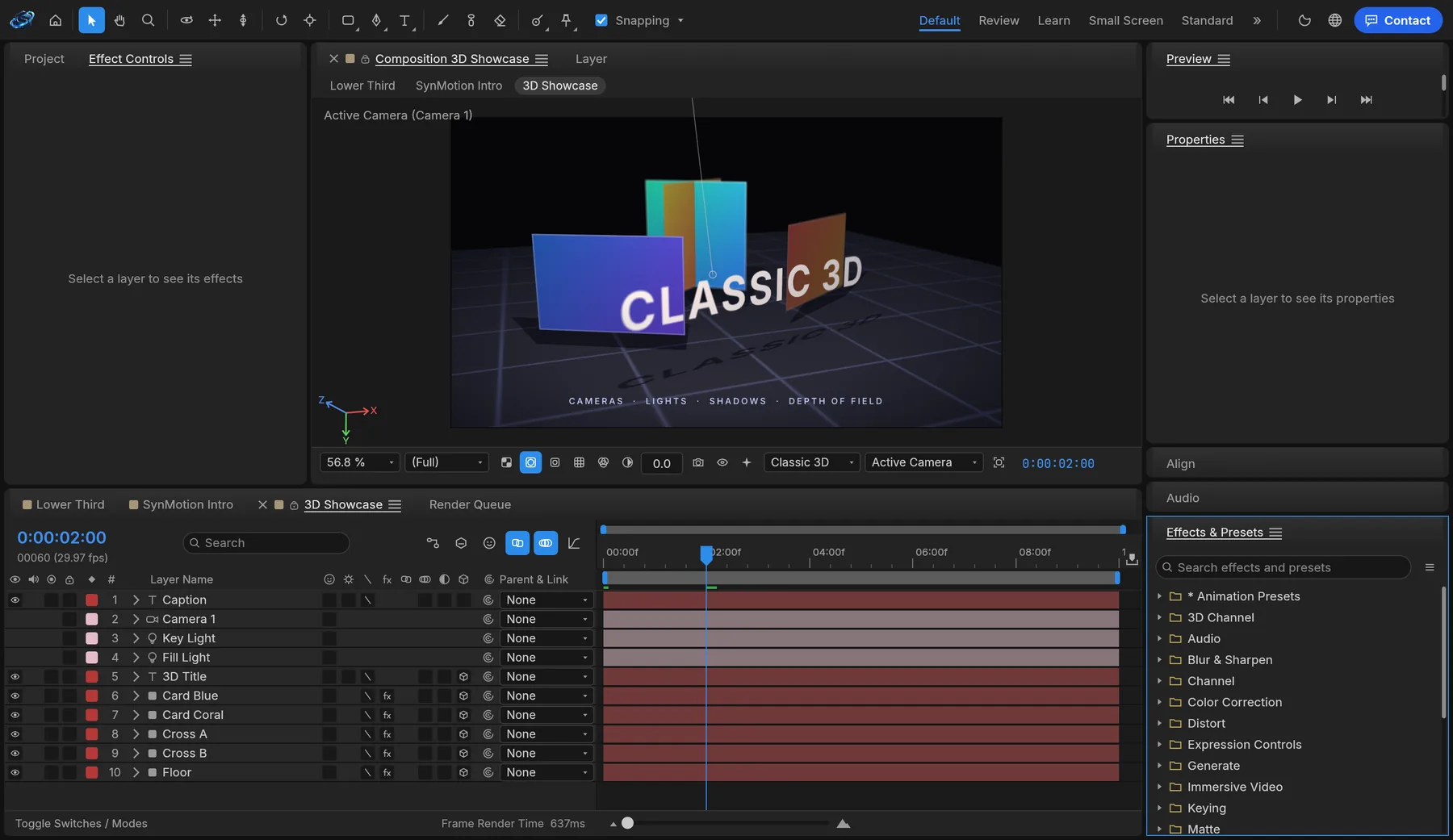
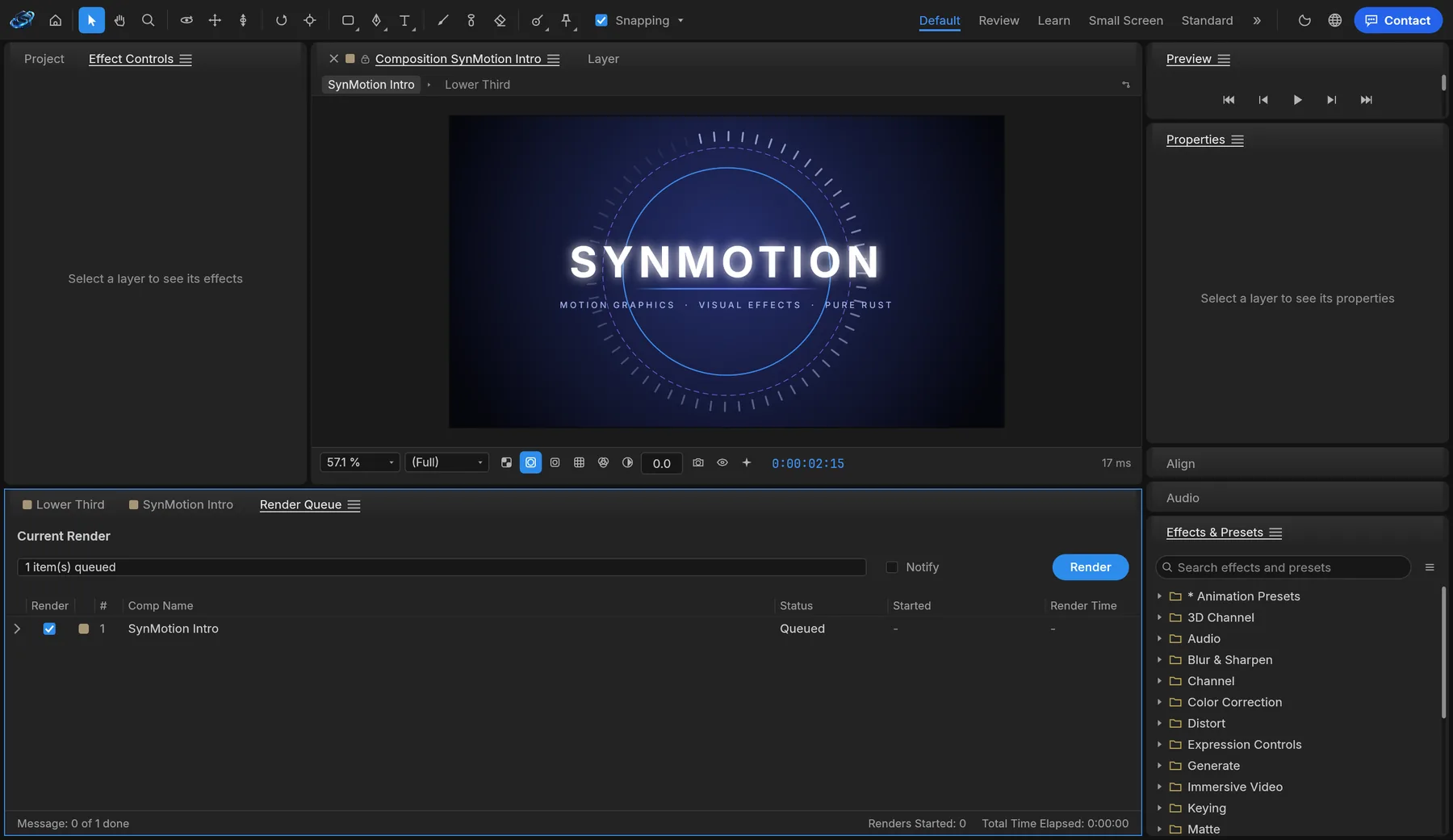
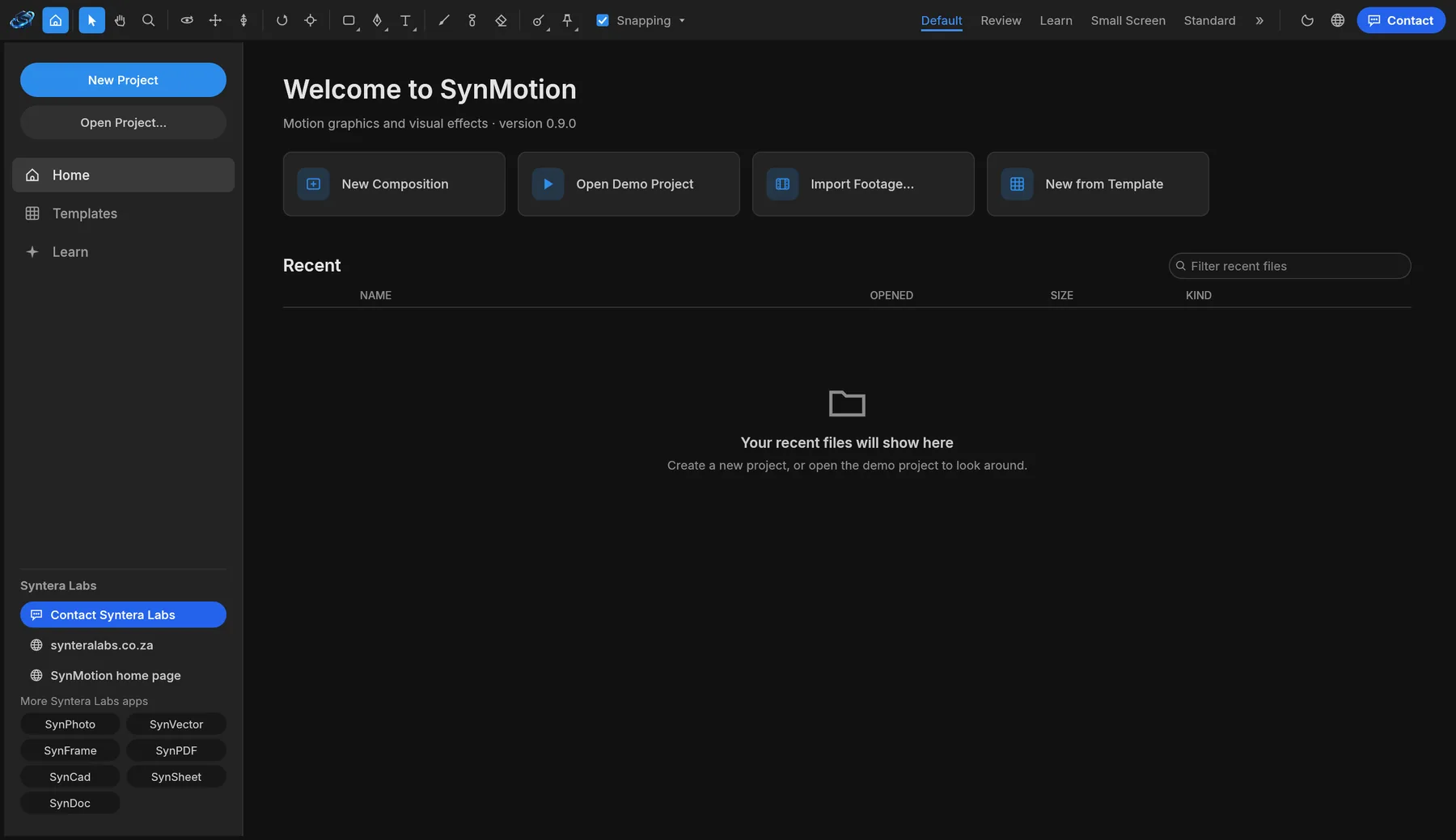
Every menu command is also a command-line and MCP command. Batch-render a folder of templates, swap the text for every client, or connect an AI assistant to build the animation for you.
# render a composition to MP4
synmotion-cli render --project promo.ecproj \
--comp "Launch promo" --out promo.mp4
# let an AI agent work in SynMotion
synmotion-cli mcp
Client footage, logos and unreleased campaigns stay on your own device. SynMotion previews, renders and saves everything locally, in the browser or in the app.
The online version works on files inside your browser. Nothing is sent to us.
Once it has loaded, SynMotion keeps working without an internet connection.
Nothing to sign up for, no licence server and no telemetry.
MP4, ProRes, WebM, PNG, EXR and Lottie out, so your work is never locked in.
Version 0.9.0 alpha. Free, with no account. The online version is the quickest way to start; for long renders, use the Mac or Windows app.
Yes. SynMotion is free while it's in alpha, with no account and no subscription.
Not yet. After Effects .aep projects can't be opened, so rebuild a project in SynMotion, or bring its pieces in: video, images, layered PSD and SVG files and Lottie animations all import.
MP4 with H.264, HEVC or AV1, ProRes MOV with or without transparency, WebM, PNG, JPEG, TIFF and EXR sequences, animated GIF, WAV audio and Lottie JSON for websites and apps.
No. The online version opens files straight from your computer and renders them in the browser. Nothing is sent to Syntera Labs.
Chrome or Edge on a recent computer give the best results. For long or high-resolution renders, use the Mac or Windows app.
SynMotion is new and improving every week. Save your work often and keep a copy of important projects.
Open SynMotion in your browser. It's free, private and nothing to install.
Open SynMotion →